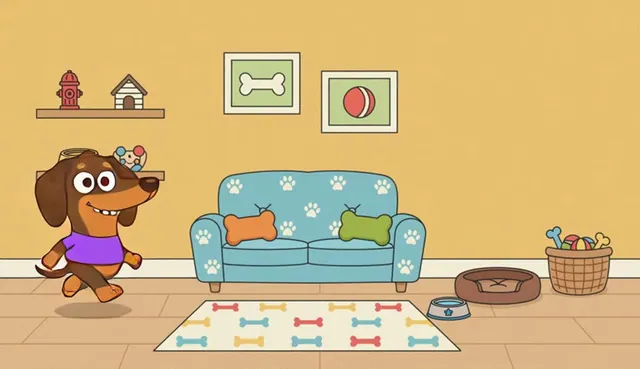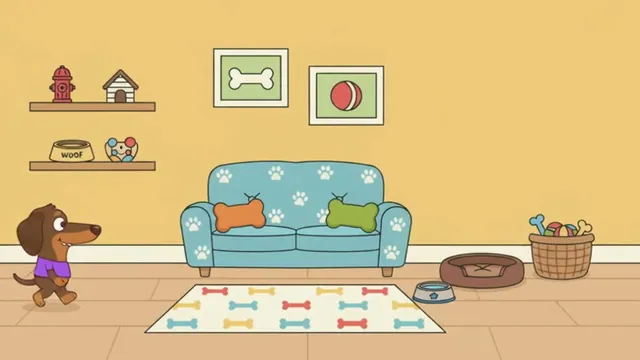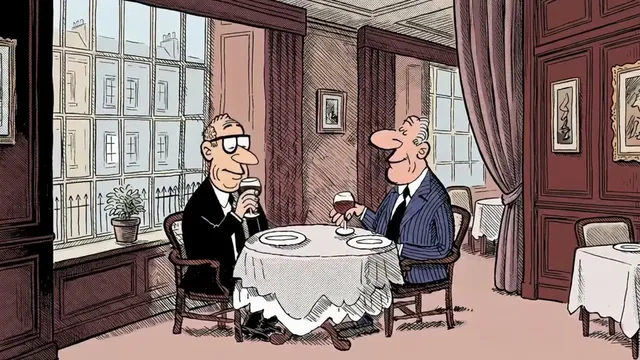

For long-form linear animation

An AI-assisted animation pipeline, script to edit.

Script, asset kit, breakdown, board, timeline, motion, export. AI assists where you want it. Built around a traditional animation pipeline.

Familiar tools

The same workflow for any animation production.

Bring your own work in, or let AI assist.

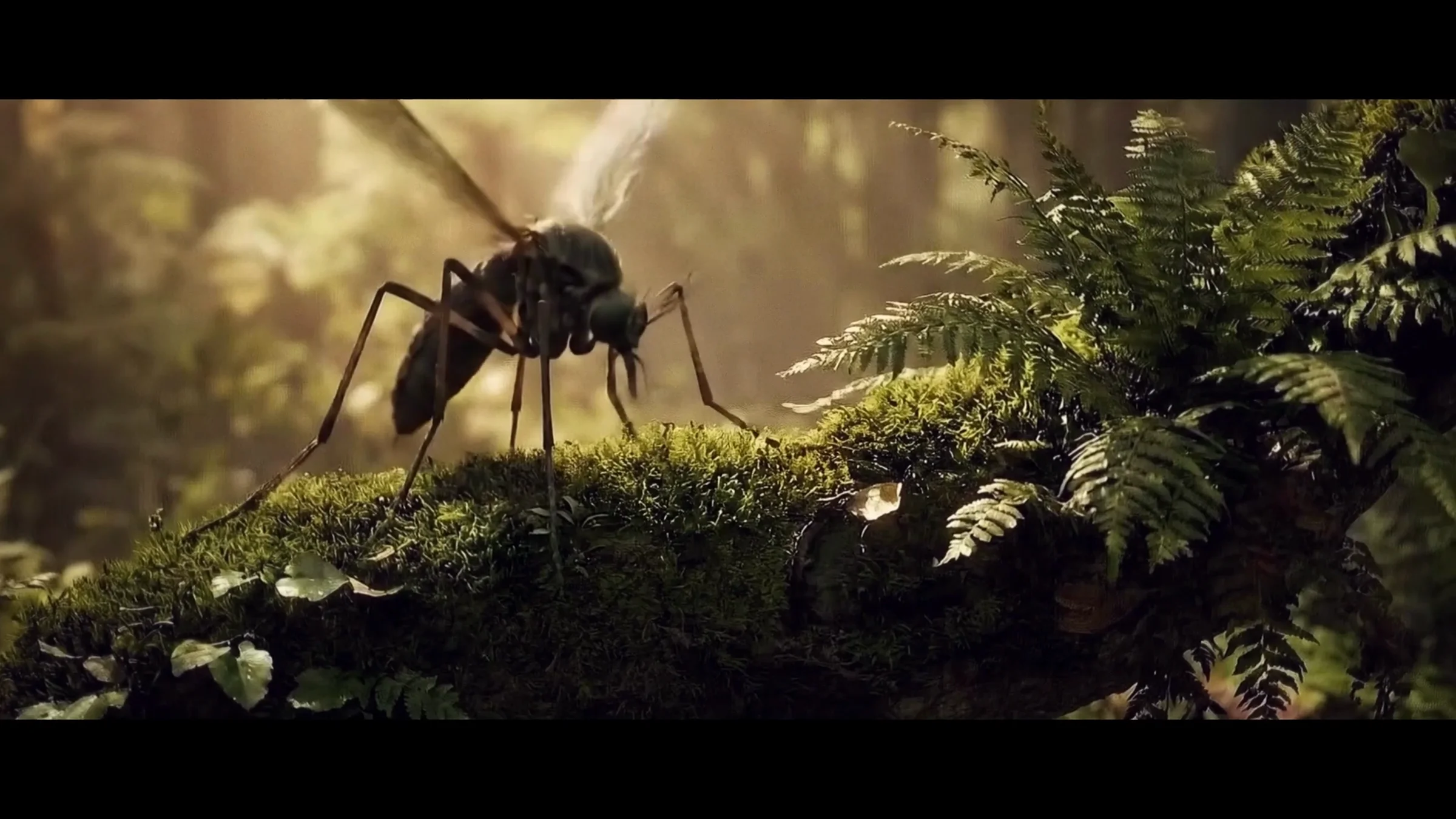
Sunlight over a forest and winding river

From script to edit, in one space.

The breakdown, the model sheet, the board, the exposure sheet, the cut. Shotroom speeds up the time between them.

The artist controls the AI at every stage.

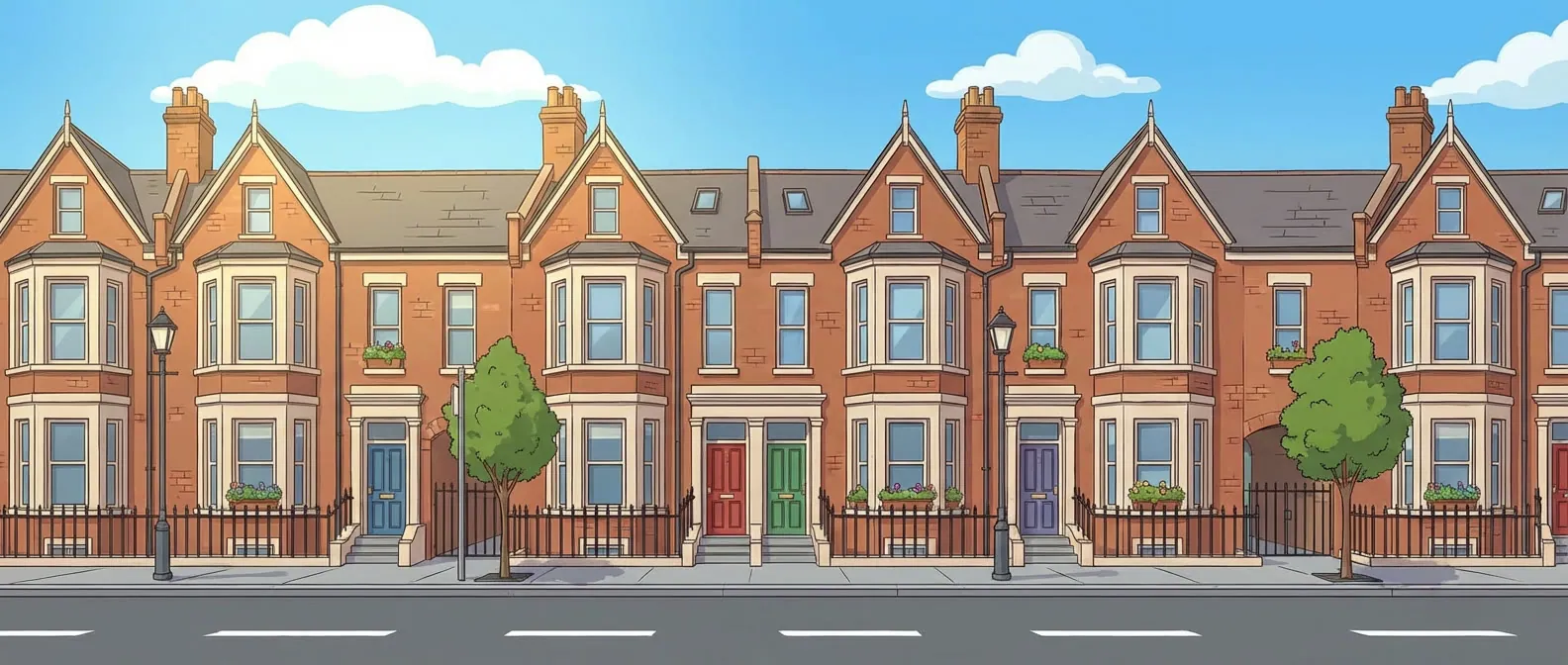
Colourful brick houses, trees and blue sky in an illustrated street
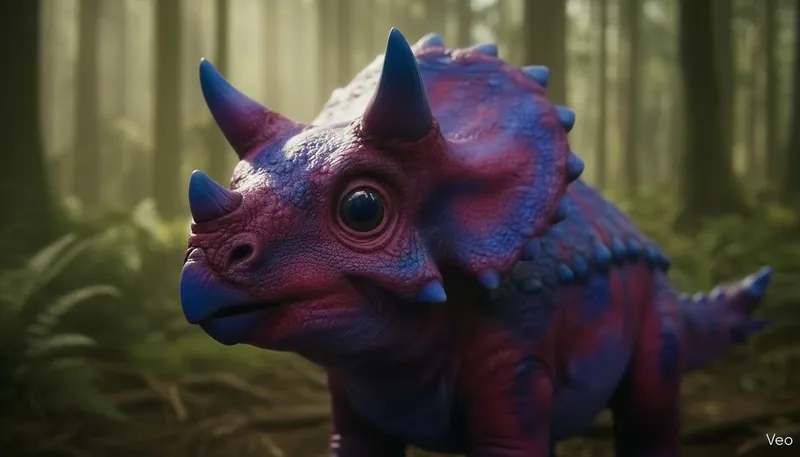
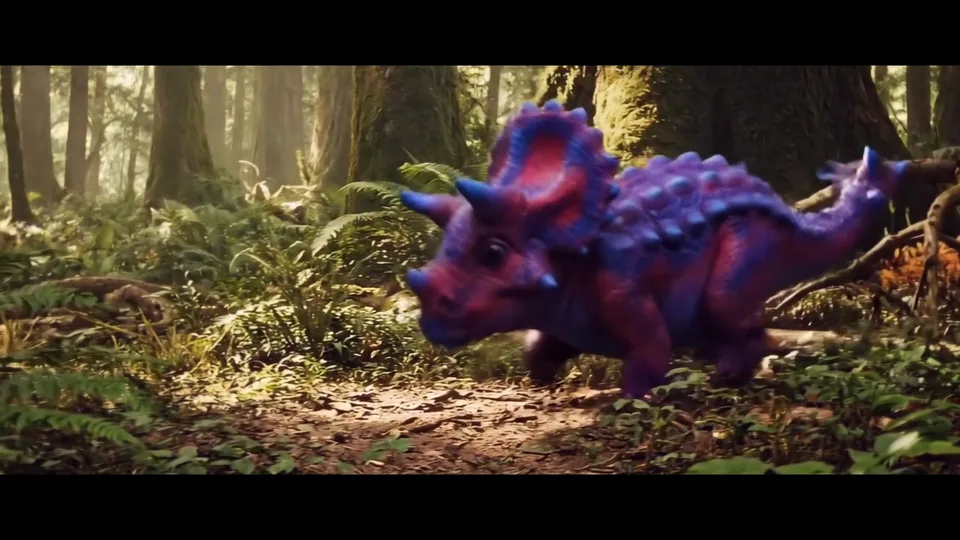
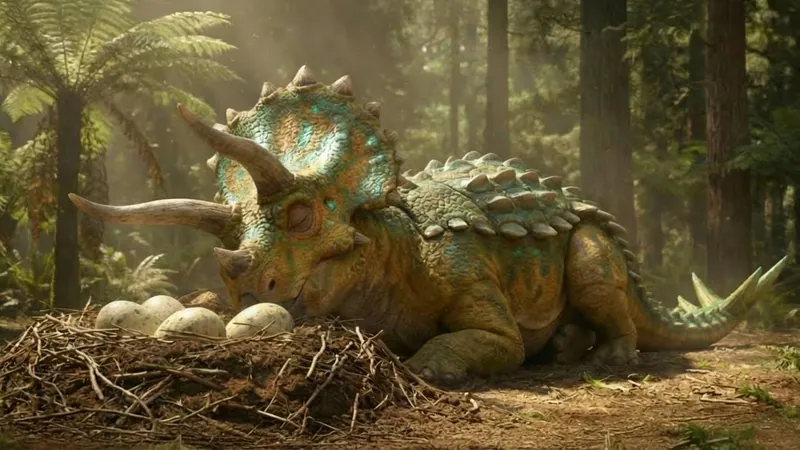
A dinosaur and nest in the finished forest scene

01 · SCRIPT

Start with the screenplay.

Write it, paste it, or import it. Shotroom reads it into scenes, characters, locations and dialogue.

  • Characters and locations become the first entries of your Asset Kit
  • Import a full series bible
ScreenplayParsed
EXT. FOREST FLOOR · DAWN
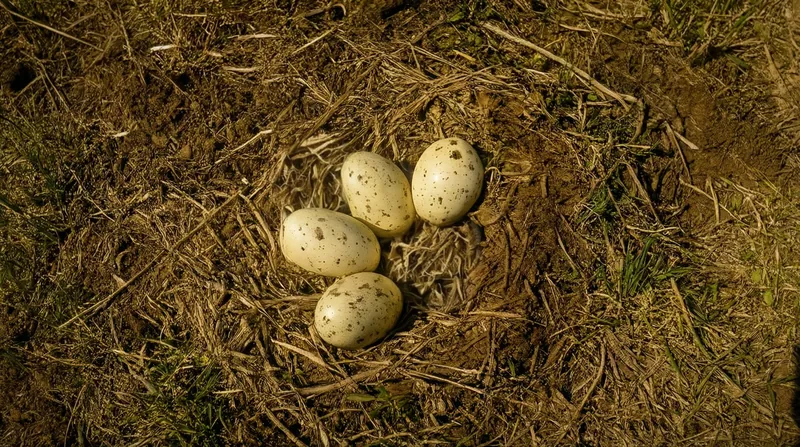
Light through the ferns. A nest in the roots. Three eggs. One of them moves.
MOTHER
(low, close)
Not yet. Not yet.
A shadow crosses the clearing. Something big is watching the nest.
Scene
01 · Exterior · Dawn
Character
Mother
Location
Forest floor
Dialogue · Line 1
“Not yet. Not yet.”
02 · ASSET KIT

Continuity of character, style and dialogue.

Build each character and place once. They travel into every shot.

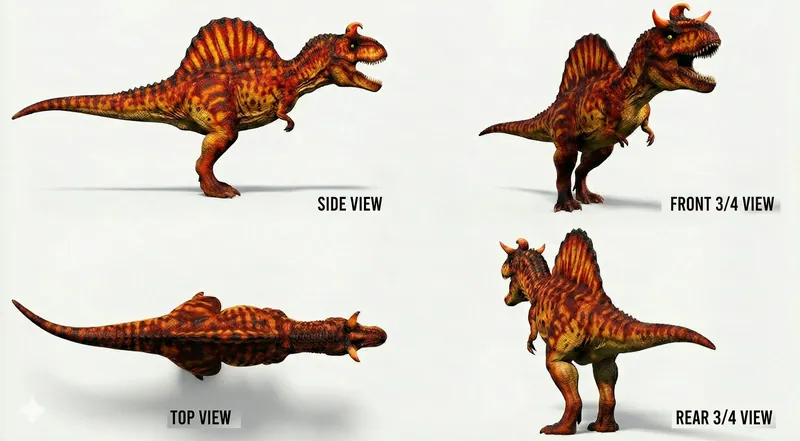
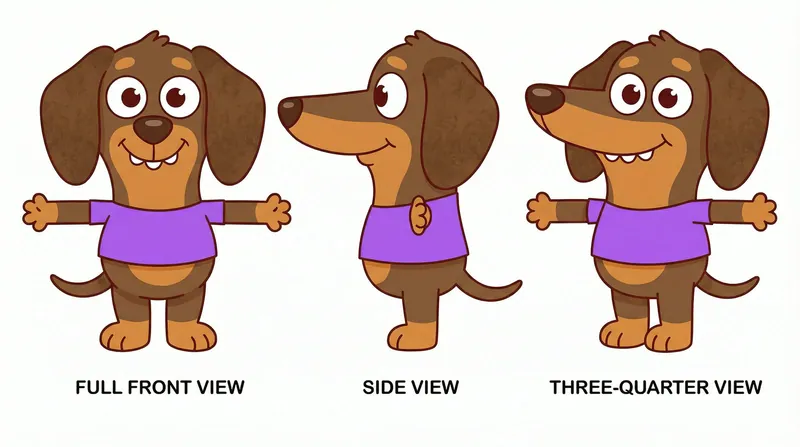
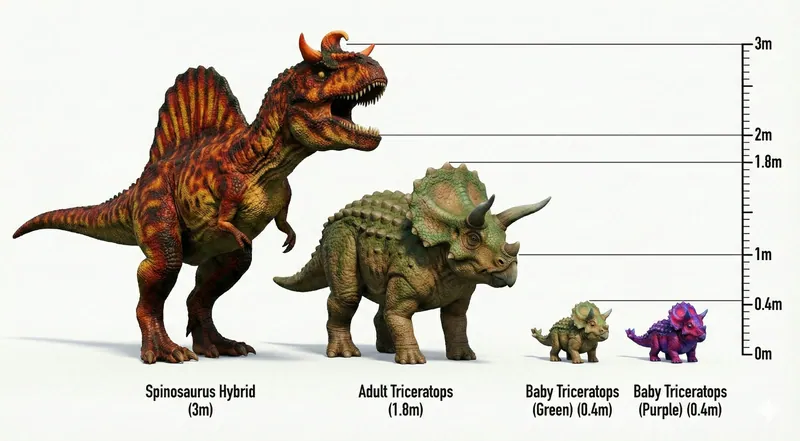
  • Turnarounds, scale charts, lip sync, design and hand gestures, all tagged so the AI knows how to use them later in production
  • Style and dialogue defined here, once
A dinosaur turnaround showing side, front, top and rear views
A drawn character sheet showing the same design from several angles
Four dinosaurs compared against a shared height scale

03 · BREAKDOWN

Break every scene into its shots.

Camera, angle, characters, framing and dialogue. Shots numbered automatically, straight onto the edit timeline.

  • First pass proposed. Keep it, change it, or enter shots by hand
  • Change a shot and every later stage reads it
Scene 01 · Forest floor3 shots
  1. A wide view of the forest and river
    SHOT 001

    Establish the forest

    Wide · High angle · Slow push in

  2. Mother resting beside her nest
    SHOT 002

    Mother guards the nest

    Medium · Eye level · Locked camera

    Mother: “Not yet. Not yet.”

  3. An overhead close-up of eggs in the nest
    SHOT 003

    Something starts to move

    Close-up · Overhead · Locked camera

001002003

04 · BOARD

Direct the shot as a visual frame.

Draw it, generate it, or import a storyboard.

  • Nothing moves into Motion until the frame is approved
  • Assets and style held from the Asset Kit
  • Versioning throughout
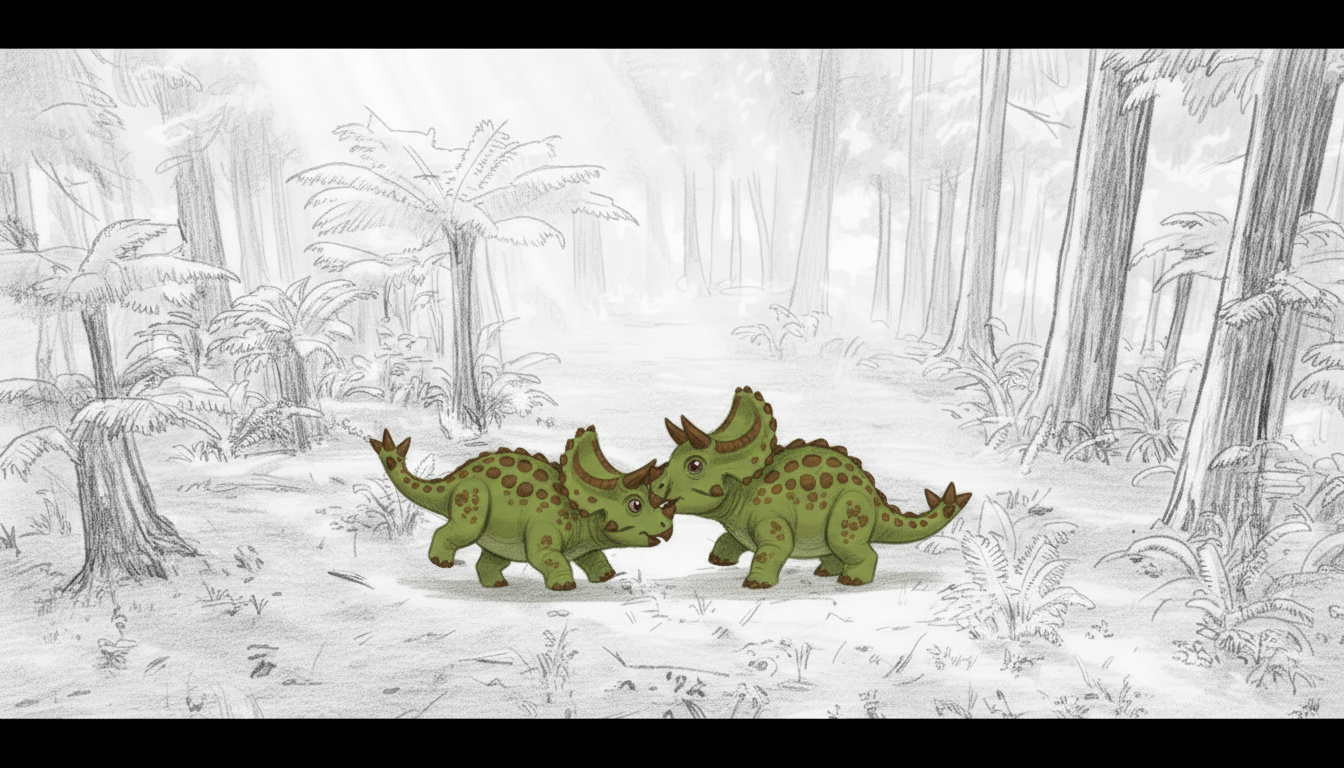
Two green dinosaur siblings facing each other in a pencil-drawn forest

05 · TIMELINE

Animatic into shots.

Board panels land on the timeline against their audio. You cut it to time with the nonlinear tools you already use.

  • One sequence rate, durations to the frame
  • Shots replace frames as they arrive

06 · MOTION

Stills become shots.

An approved frame comes back moving, with dialogue, effects and sound on it.

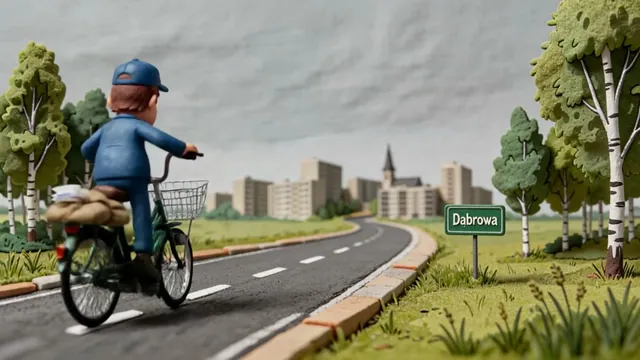
An animated postman cycling toward a distant town

07 · EXPORT

Out to your own editor.

Export to your preferred nonlinear editing suite, like Premiere Pro or DaVinci Resolve, as a sequence or as shots.

08 · PRODUCER

The reports a producer is asked for.

Every production keeps its own books: what it spent and what it emitted.

  • Spend report. Every generation priced, by model, by type and over time, filtered by teammate, in your currency. Download it as CSV or PDF
  • Carbon report. The production’s footprint in CO2e, with its uncertainty range
  • Report packs by territory: GHG Protocol, albert, PEAR, Carbulator, NES and ANiMPACT. Preparation for the native tool, not a certification
Producer in the guide

Made in Shotroom

Style kept shot after shot.

Takes

Render multiple takes. Pick one, keep moving.

Render again on any engine your keys unlock. Pick a take and the rest stay as versions.

Audio

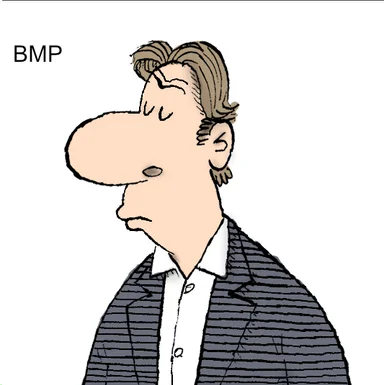
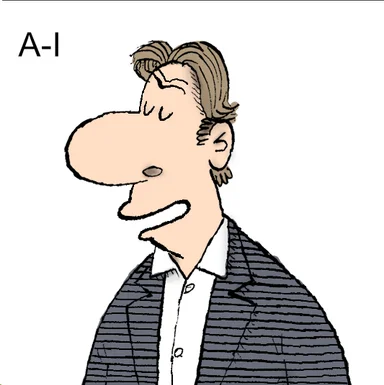
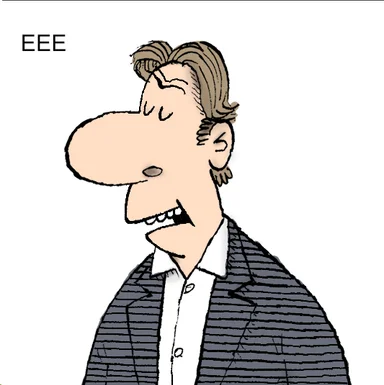
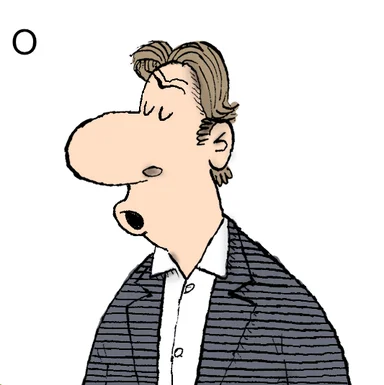
Lip sync in your show’s own style.

Bring your voice actors, or generate a voice. The mouth shapes follow the words, to the frame.

If a recording does not say the words on the page, Shotroom says so before anything renders.

The artist supplies the mouth shapes, drawn to the design and style of the production.

For producers

Costs in your currency, not in tokens.

Cost reports in real time, in your currency, not in tokens. Every spend recorded in money, at the model’s own price. Use your own render accounts, or top up a balance.

Example cost preview

Estimated cost
£0.51For one generated video
Video settings
8 seconds · 1080pModel: Seedance 2.5
Who charges you
fal.aiPaid through your connected fal.ai account

Track the spend, not the tokens

See the cost before you press the button. Reports by artist, model and usage.

Bring the tools you already pay for

Connect what is already in your pipeline over MCP or API.

Your storage, synced both ways

Plug in your cloud storage. Syncs to a local drive in the project’s own folder structure.

Shotroom beta

Join the Shotroom beta

Tell us what you’d like to make. We’ll email you when your account is activated.

We’ll use these details to review your request and contact you about beta access. Privacy